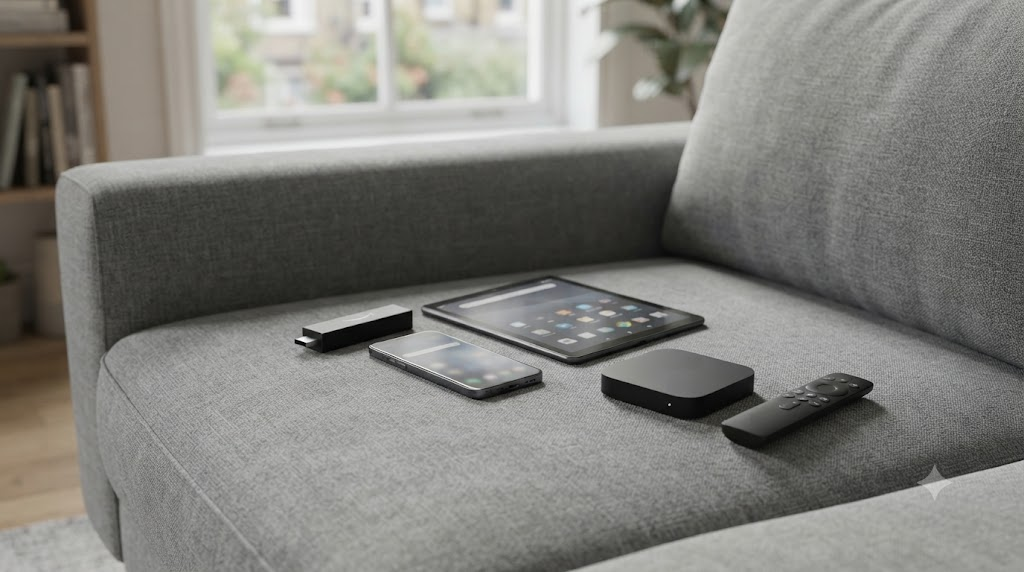
What devices work with Firestick UK IPTV?
Firestick UK is optimised for Amazon Fire TV Stick devices in British homes, but customers also ask about Smart TVs, Android phones, and extra sticks upstairs. This page maps realistic options, explains concurrent-stream limits, and links the setup path so you do not guess.
Start here after buying: setup guide. Apps: apps. Pricing/trial: prices · homepage. Storage running low? See fixing a full Firestick.
Best experience — Fire TV Stick family
- Lite — value HD lounge stick
- Standard Fire TV Stick — everyday pick
- 4K / 4K Max — snappier apps, better for heavier players and UHD-labelled tiles
4K detail: does IPTV work on Firestick 4K. Players: TiviMate · vs Smarters.
Android phones and tablets
Many Android devices can load the same Xtream login for travel. EE/Vodafone/O2/Three data varies by mast — test before relying on it for Premier League away days. Disable aggressive battery savers for the player app.
Android TV boxes
Generic boxes often work with the same APKs, but quality varies and cheap units overheat. Prefer known Firestick hardware when you can.
Samsung and LG Smart TVs
App store rules change. Do not sideload random files onto TV firmware you cannot easily restore. Message WhatsApp via Contact for current Smart TV options, or add a low-cost Firestick to HDMI — usually the more stable UK fix.
Apple devices
iPhone/iPad/Apple TV are not the primary path. Ask support before buying solely for iOS; guidance changes with store rules.
Multi-device households
One-device plans (£18.98–£64.98 by term) allow one active stream. Lounge + bedroom needs multi-device pricing. Oversharing causes kicks mistaken for outages. Buffering help: buffering.
Broadband pairings
Works across BT, Virgin Media, Sky Broadband, EE, TalkTalk and decent 5G home routers when speeds suffice. Ethernet helps stubborn lounges.
Choosing hardware without overspending
You do not need the newest Max to enjoy Firestick UK. A stable network beats fresh silicon. Second-hand sticks are fine if they update and have storage for Downloader plus a player. Avoid sticks locked to someone else’s Amazon account.
Internal path
Devices → Setup → Apps → Pricing → Trial CTA. Also: best IPTV · FAQ · About · Legal UK.
Practical scenarios
Flat with thick walls: Ethernet adapter. Parents’ house: Lite + Smarters. Sports fan: 4K Max + TiviMate. Holiday cottage: travel router, confirm seats.
When unsure, start with the stick you own, use the 30-day refund window, and only then upgrade hardware.
Expanded device planning for UK households
Device choice is strategy, not gadget lust. A Lite stick on Ethernet often beats a Max on weak Wi‑Fi. Map your rooms: lounge primary, bedroom secondary, kitchen occasional phone streaming. Buy seats for how you actually watch, not for a fantasy of six simultaneous 4K feeds on a one-device plan.
When relatives visit with their own Firesticks, do not casually share your WhatsApp credentials. That creates kicks and support noise. If they want Firestick UK, they can start their own short term with the thirty-day refund window and their own setup session using our guides.
Smart TV curiosity is understandable — fewer boxes on the shelf. In practice, store policies and sideload fragility make a dedicated Firestick the calmer UK living-room design. Ask Contact about current Smart TV options, then compare against the simplicity of HDMI sticks you can swap in minutes if Amazon hardware fails.
Revisit this devices page after you read setup, apps, 4K, buffering and pricing. The links exist so each article stays focused while the whole site still behaves like one product story ending at the homepage trial CTA.
Device FAQ extras
Will a Firestick from a supermarket work? Yes if it signs into Amazon and updates. Do I need 4K for BBC? No. Can two apps on one stick replace two seats? No. Are cheap unbranded boxes OK? Risky thermals and support. Phone only? Possible on Android for travel, poor as a sole lounge plan.
Plan purchases around rooms and seats, then follow setup and apps guides. Price the subscription in pounds on the homepage, not around speculative gadget upgrades. When the stick you already own completes a stable week inside the refund window, you have your answer — upgrade hardware later only if menus feel slow or storage runs out.
Keep linking outward: 4K article, TiviMate install, Smarters comparison, buffering, best IPTV checklist, FAQ, About, Contact. Devices are the map; those URLs are the roads to a working Firestick UK evening.
Inventory every screen you might use this month: lounge stick, bedroom stick, kitchen tablet, travel phone. Count peak simultaneous streams. Purchase seats to match that peak, not the average. Then pick hardware that fits each room’s distance from the hub. This inventory exercise prevents ninety percent of “devices” confusion and pairs cleanly with pricing quotes on WhatsApp.
When friends ask which stick to buy for Firestick UK, tell them to start with whatever Amazon stick they can get quickly, follow the setup guide, and upgrade only after a stable week. Speed of a clean install beats waiting weeks for a Max while missing football.
End state: every screen you care about either has a Firestick path or an approved alternative from WhatsApp, every seat is paid for, and every viewer knows which app to open. Reach that end state with setup and apps guides, price it on the homepage, and keep buffering notes handy. Devices stop being confusing when seats and rooms are explicit.
Revisit seats whenever you add a bedroom TV or a travel phone habit. Device lists grow quietly; plans should grow with them on WhatsApp before kicks start. Pair that habit with the setup guide whenever a new stick joins the household so every screen lands on the same known-good player settings.
Devices closing note
When every room’s device story is written down, Firestick UK stops feeling technical and starts feeling like ordinary television again. Revisit seats whenever you add a stick, follow setup on each new device, and keep pricing quotes aligned with how many streams you actually open.
Write the room list once, update seats on WhatsApp when it changes, and every new Firestick will feel familiar instead of fiddly.